📜 Table of Contents
Introduction to Artificial Intelligence in Everyday Life: How AI is Transforming Daily Activities
Technology shapes modern life in profound ways, from communication and work to entertainment and personal organization. Understanding technology options and best practices helps individuals leverage these powerful tools effectively while avoiding common pitfalls.
Introduction to Artificial Intelligence in Everyday Life: How AI is Transforming Daily Activities
Technology shapes modern life in profound ways, from communication and work to entertainment and personal organization. Understanding technology options and best practices helps individuals leverage these powerful tools effectively while avoiding common pitfalls.
AI Revolution in Daily Life
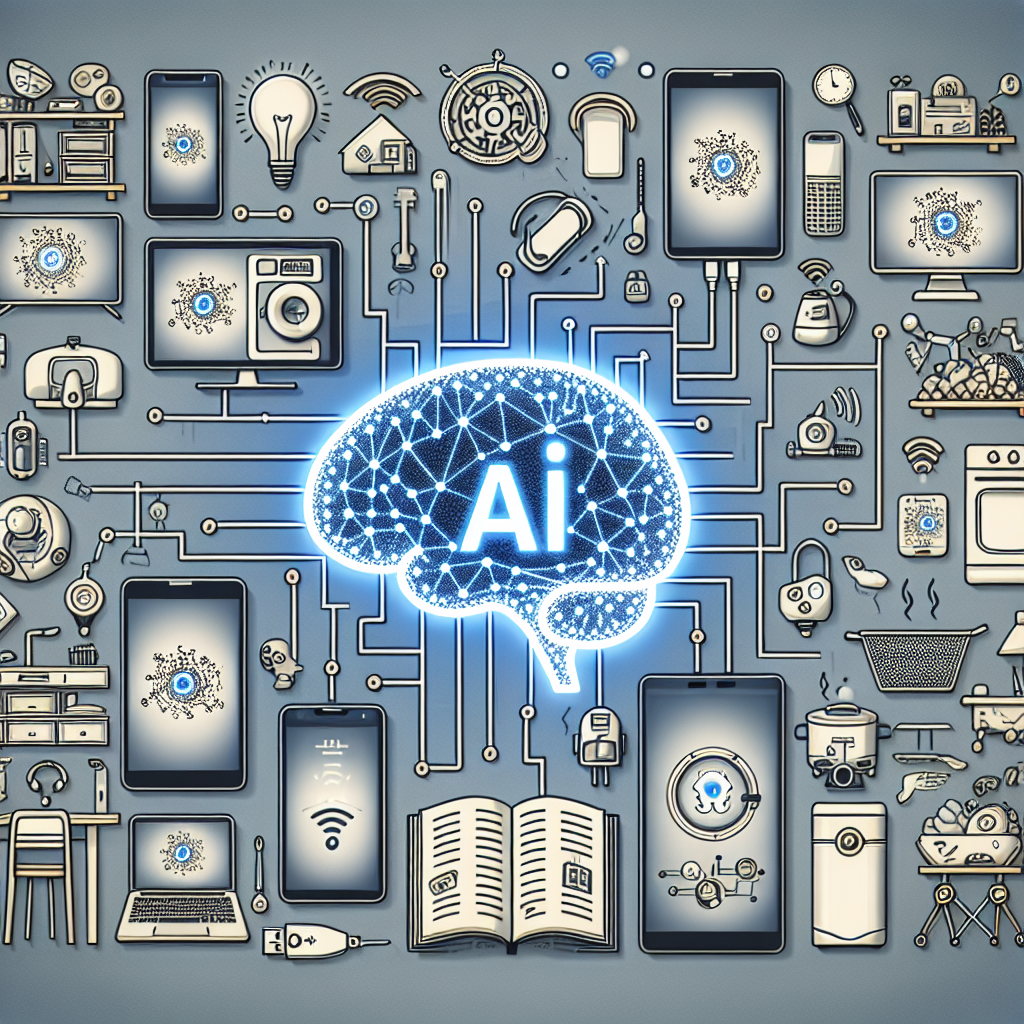
Artificial intelligence has moved beyond science fiction into everyday reality. From smartphone assistants to recommendation algorithms, AI technologies quietly enhance countless daily activities. Understanding how these systems work helps users leverage their capabilities while maintaining awareness of their limitations.
Smart Home Technology
AI-powered smart home devices learn user preferences and adjust accordingly. Smart thermostats analyze behavior patterns to optimize heating and cooling schedules. Lighting systems adjust based on time of day, occupancy, and natural light levels. These automated adjustments improve comfort while reducing energy consumption.
Voice Assistants
Voice assistants like Alexa, Siri, and Google Assistant use natural language processing to understand and respond to spoken commands. These AI systems continuously improve through machine learning, becoming more accurate at interpreting requests and providing relevant responses over time.
Personalized Recommendations
Streaming services, online retailers, and social media platforms use AI algorithms to personalize content recommendations. These systems analyze viewing history, purchase patterns, and engagement metrics to suggest relevant content. While convenient, users should understand how these algorithms can create filter bubbles.
Navigation and Transportation
GPS navigation apps use AI to analyze real-time traffic data and suggest optimal routes. Ride-sharing services employ AI for dynamic pricing and driver matching. Autonomous vehicle technology continues advancing, with AI systems handling increasingly complex driving scenarios.
Healthcare Applications
AI assists healthcare professionals in diagnosing diseases, analyzing medical images, and predicting patient outcomes. Consumer health apps use AI to track fitness goals, analyze sleep patterns, and provide personalized wellness recommendations. These tools complement, rather than replace, professional medical care.
Financial Services
Banks and financial institutions use AI for fraud detection, credit scoring, and customer service automation. Personal finance apps employ AI to analyze spending patterns, suggest budgets, and provide investment recommendations. These systems process vast amounts of data to identify patterns humans might miss.
Privacy Considerations
AI systems require data to function effectively, raising important privacy considerations. Understand what data you share with AI-powered services and review privacy settings regularly. Consider the trade-offs between convenience and privacy when adopting new AI technologies.
Ethical Implications
AI systems can perpetuate biases present in their training data. Awareness of these limitations helps users critically evaluate AI-generated recommendations and decisions. Advocate for transparent AI systems that explain their reasoning and allow human oversight.
Conclusion
AI technology will continue transforming daily life in ways both visible and invisible. By understanding how these systems work, users can maximize benefits while remaining aware of limitations and potential risks. The key lies in treating AI as a powerful tool that enhances human capabilities rather than replacing human judgment.
Evaluating Technology Purchases
Technology purchases represent significant investments that affect daily life for years. Understanding specifications, comparing options, and timing purchases strategically maximizes value and satisfaction.
Understanding Specifications and Features
Technical specifications determine device capabilities and suitability for intended uses. Understanding key metrics like processing power, memory, storage, and display quality enables informed comparisons. Feature evaluation should prioritize actual needs over impressive-sounding specifications that may not affect typical use patterns.
Timing and Value Optimization
Technology purchase timing significantly affects value received. New product releases often discount previous generations substantially. Sales events and refurbished options provide savings without sacrificing quality. Balancing desire for newest features against value considerations optimizes technology spending.
Security and Privacy Considerations
Digital security and privacy require ongoing attention as threats evolve and technology use expands. Understanding risks and implementing protective measures safeguards personal information and digital assets.
Password and Account Security
Strong, unique passwords for each account prevent credential-based compromises. Password managers simplify maintaining secure credentials across numerous accounts. Two-factor authentication provides additional protection for sensitive accounts. Regular password updates and security reviews maintain protection levels.
Privacy Protection Practices
Privacy protection involves understanding data collection practices and configuring settings to limit unnecessary sharing. Regular review of app permissions, social media privacy settings, and account sharing preferences maintains appropriate privacy levels. Awareness of tracking technologies and available countermeasures empowers informed choices.
Expert Insights and Best Practices
Technology experts emphasize matching tools to actual needs rather than pursuing specifications for their own sake. The most expensive option rarely represents the best value for typical users. Understanding personal use patterns and prioritizing relevant features yields better satisfaction than chasing benchmarks.
Common Mistakes to Avoid
Common technology mistakes include purchasing based on marketing rather than needs, neglecting security updates, ignoring backup responsibilities, and over-relying on technology for tasks better done otherwise. Many users also fail to learn available features fully, leaving valuable capabilities unused.
Frequently Asked Questions
How often should I upgrade my devices?
Device upgrade timing depends on current device condition, evolving needs, and new feature value. Most devices remain fully functional for 3-5 years or longer. Upgrading becomes worthwhile when current devices no longer meet needs or new features provide significant value for your use patterns.
How do I protect myself from cyber threats?
Cyber protection combines technical measures like antivirus software and updates with behavioral practices like skepticism toward unexpected messages and links. Keeping software updated, using strong unique passwords, and enabling two-factor authentication address most common threats. Regular backups protect against ransomware and device failure.
What technology skills should everyone learn?
Essential technology skills include basic troubleshooting, security awareness, cloud service use, and productivity software proficiency. Understanding privacy settings and data backup procedures protects personal information. Keyboard shortcuts and automation features increase efficiency across applications.
How do I reduce screen time effectively?
Reducing screen time involves awareness of current usage, identifying unnecessary use, and implementing boundaries. Screen time tracking tools reveal actual usage patterns. Designated phone-free times, notification management, and alternative activities support reduced usage goals.
Conclusion
Technology serves those who understand and direct it rather than simply reacting to it. By evaluating needs thoughtfully, maintaining security awareness, and continuously developing skills, individuals harness technology’s benefits while managing its challenges. The goal remains using technology as a tool that enhances life rather than dominates it.
Evaluating Technology Purchases
Technology purchases represent significant investments that affect daily life for years. Understanding specifications, comparing options, and timing purchases strategically maximizes value and satisfaction.
Understanding Specifications and Features
Technical specifications determine device capabilities and suitability for intended uses. Understanding key metrics like processing power, memory, storage, and display quality enables informed comparisons. Feature evaluation should prioritize actual needs over impressive-sounding specifications that may not affect typical use patterns.
Timing and Value Optimization
Technology purchase timing significantly affects value received. New product releases often discount previous generations substantially. Sales events and refurbished options provide savings without sacrificing quality. Balancing desire for newest features against value considerations optimizes technology spending.
Security and Privacy Considerations
Digital security and privacy require ongoing attention as threats evolve and technology use expands. Understanding risks and implementing protective measures safeguards personal information and digital assets.
Password and Account Security
Strong, unique passwords for each account prevent credential-based compromises. Password managers simplify maintaining secure credentials across numerous accounts. Two-factor authentication provides additional protection for sensitive accounts. Regular password updates and security reviews maintain protection levels.
Privacy Protection Practices
Privacy protection involves understanding data collection practices and configuring settings to limit unnecessary sharing. Regular review of app permissions, social media privacy settings, and account sharing preferences maintains appropriate privacy levels. Awareness of tracking technologies and available countermeasures empowers informed choices.
Expert Insights and Best Practices
Technology experts emphasize matching tools to actual needs rather than pursuing specifications for their own sake. The most expensive option rarely represents the best value for typical users. Understanding personal use patterns and prioritizing relevant features yields better satisfaction than chasing benchmarks.
Common Mistakes to Avoid
Common technology mistakes include purchasing based on marketing rather than needs, neglecting security updates, ignoring backup responsibilities, and over-relying on technology for tasks better done otherwise. Many users also fail to learn available features fully, leaving valuable capabilities unused.
Frequently Asked Questions
How often should I upgrade my devices?
Device upgrade timing depends on current device condition, evolving needs, and new feature value. Most devices remain fully functional for 3-5 years or longer. Upgrading becomes worthwhile when current devices no longer meet needs or new features provide significant value for your use patterns.
How do I protect myself from cyber threats?
Cyber protection combines technical measures like antivirus software and updates with behavioral practices like skepticism toward unexpected messages and links. Keeping software updated, using strong unique passwords, and enabling two-factor authentication address most common threats. Regular backups protect against ransomware and device failure.
What technology skills should everyone learn?
Essential technology skills include basic troubleshooting, security awareness, cloud service use, and productivity software proficiency. Understanding privacy settings and data backup procedures protects personal information. Keyboard shortcuts and automation features increase efficiency across applications.
How do I reduce screen time effectively?
Reducing screen time involves awareness of current usage, identifying unnecessary use, and implementing boundaries. Screen time tracking tools reveal actual usage patterns. Designated phone-free times, notification management, and alternative activities support reduced usage goals.
Conclusion
Technology serves those who understand and direct it rather than simply reacting to it. By evaluating needs thoughtfully, maintaining security awareness, and continuously developing skills, individuals harness technology’s benefits while managing its challenges. The goal remains using technology as a tool that enhances life rather than dominates it.
❓ Frequently Asked Questions

🚀 Keep Exploring
Discover more articles, guides, and tools in Uncategorized