📜 Table of Contents
Introduction to Smart Home Technology Guide 2025: Building Your Connected Home from Scratch
Technology shapes modern life in profound ways, from communication and work to entertainment and personal organization. Understanding technology options and best practices helps individuals leverage these powerful tools effectively while avoiding common pitfalls.
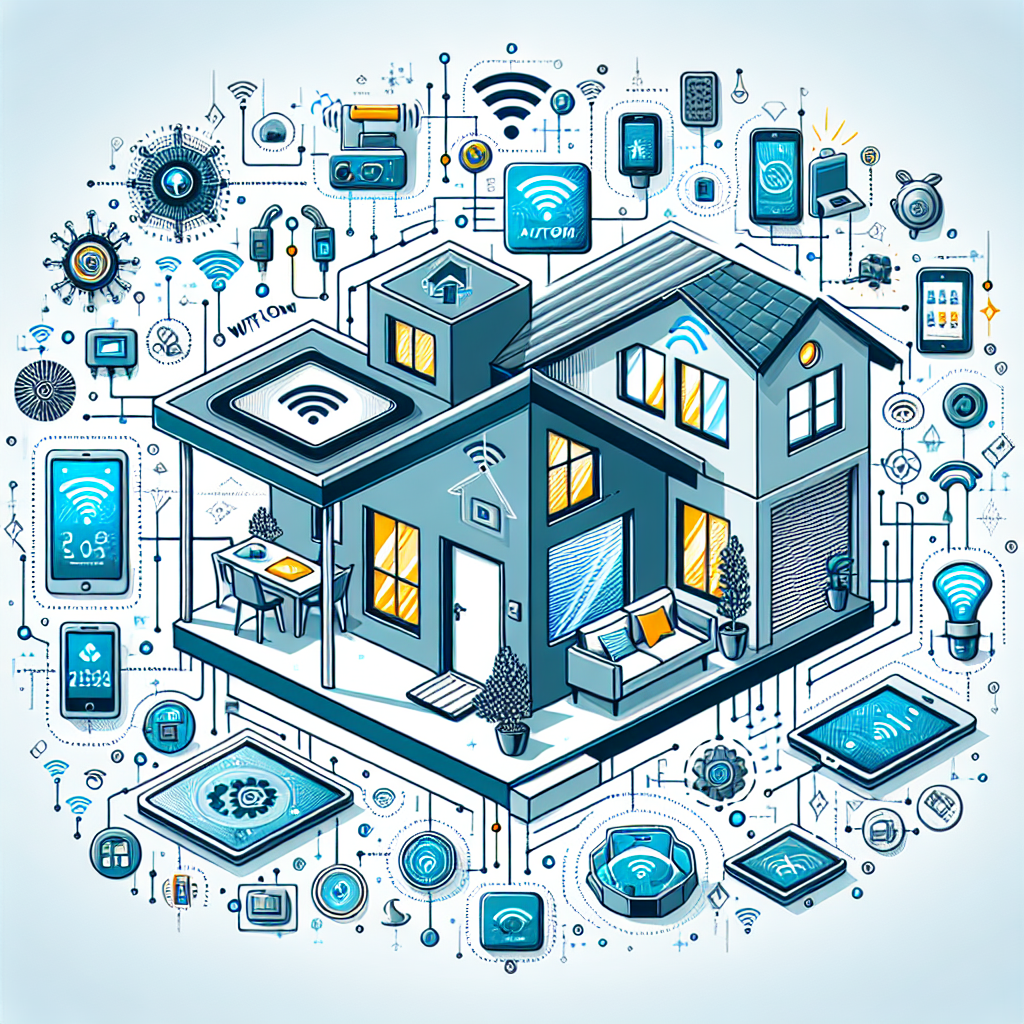
Smart home technology has matured from novelty to practical utility, offering genuine convenience, energy savings, and security benefits. Whether you are starting fresh or expanding existing setups, understanding the smart home ecosystem helps make informed decisions. This comprehensive guide covers everything you need to build an effective connected home.
Understanding Smart Home Ecosystems
Smart homes operate within ecosystems that determine device compatibility. Apple HomeKit provides tight integration for Apple device users. Google Home offers broader compatibility and excellent voice control. Amazon Alexa supports the widest device selection. Samsung SmartThings works across multiple platforms. Choosing an ecosystem early prevents compatibility headaches later. Consider your existing devices and preferred voice assistant when selecting your primary platform.
Essential Smart Home Components
Smart Speakers and Displays
Voice assistants serve as smart home command centers. Amazon Echo devices range from compact speakers to large displays. Google Nest products offer superior assistant intelligence. Apple HomePod provides excellent audio with Siri control. Smart displays add visual interfaces for video calls, recipes, and security camera feeds. Place devices strategically for voice command coverage throughout your home.
Smart Lighting
Lighting often provides the best entry point to smart homes. Smart bulbs replace existing bulbs with app and voice control. Smart switches control existing fixtures without bulb replacement. Motion sensors automate lighting based on occupancy. Scenes create perfect lighting for activities like movie watching or dinner parties. Dimming capabilities and color options enhance ambiance while potentially reducing energy consumption.
Smart Thermostats
Intelligent climate control delivers comfort and energy savings. Learning thermostats adapt to your schedule automatically. Remote control enables adjustment from anywhere. Occupancy detection avoids heating or cooling empty homes. Energy reports reveal usage patterns and savings opportunities. Integration with other smart devices enables sophisticated automation like adjusting temperature when you leave.
Home Security Integration
Smart security provides protection and peace of mind. Video doorbells show visitors before opening doors. Smart locks enable keyless entry and remote access. Security cameras monitor interior and exterior spaces. Motion sensors detect unexpected activity. Professional monitoring services respond to alerts 24/7. Integration allows automation like lights activating when motion is detected.
Entertainment Automation
Smart technology enhances home entertainment experiences. Universal remotes consolidate control of multiple devices. Smart TVs integrate streaming services and voice control. Multi-room audio systems fill homes with music. Automated projector screens and lighting create theater experiences. Voice commands eliminate remote hunting and complex setup procedures.
Kitchen and Appliance Intelligence
Smart appliances bring convenience to daily tasks. Smart refrigerators track contents and suggest recipes. Connected ovens enable remote preheating and monitoring. Smart coffee makers prepare beverages on schedule. Robot vacuums maintain floors automatically. Integration enables automation like starting the coffee maker when your morning alarm sounds.
Building Effective Automations
Automation transforms smart devices from novelties to necessities. Time-based routines adjust settings throughout the day. Presence-based automation responds to arrivals and departures. Conditional logic creates sophisticated if-then scenarios. Scene activation coordinates multiple devices with single commands. Start with simple automations and expand as you understand possibilities.
Network Requirements
Smart homes demand robust network infrastructure. Assess WiFi coverage throughout your home. Consider mesh systems for larger spaces. Dedicate bandwidth for video streaming devices. Some devices work better on dedicated IoT networks. Router security protects against smart device vulnerabilities. Plan network capacity for growing device counts.
Privacy and Security Considerations
Connected devices introduce privacy and security concerns. Research device manufacturers security practices. Keep all device firmware updated. Use strong, unique passwords for smart home accounts. Consider local-processing devices for sensitive areas. Understand what data devices collect and how it is used. Balance convenience with privacy based on your comfort level.
Starting Your Smart Home Journey
Begin with devices that address specific needs or frustrations. Smart speakers provide an accessible starting point. Lighting offers immediate visible benefits. Thermostats deliver measurable energy savings. Expand gradually as you understand your ecosystem. Budget for future expansion when selecting initial platforms. The goal is enhanced daily life, not technology for its own sake.
Evaluating Technology Purchases
Technology purchases represent significant investments that affect daily life for years. Understanding specifications, comparing options, and timing purchases strategically maximizes value and satisfaction.
Understanding Specifications and Features
Technical specifications determine device capabilities and suitability for intended uses. Understanding key metrics like processing power, memory, storage, and display quality enables informed comparisons. Feature evaluation should prioritize actual needs over impressive-sounding specifications that may not affect typical use patterns.
Timing and Value Optimization
Technology purchase timing significantly affects value received. New product releases often discount previous generations substantially. Sales events and refurbished options provide savings without sacrificing quality. Balancing desire for newest features against value considerations optimizes technology spending.
Security and Privacy Considerations
Digital security and privacy require ongoing attention as threats evolve and technology use expands. Understanding risks and implementing protective measures safeguards personal information and digital assets.
Password and Account Security
Strong, unique passwords for each account prevent credential-based compromises. Password managers simplify maintaining secure credentials across numerous accounts. Two-factor authentication provides additional protection for sensitive accounts. Regular password updates and security reviews maintain protection levels.
Privacy Protection Practices
Privacy protection involves understanding data collection practices and configuring settings to limit unnecessary sharing. Regular review of app permissions, social media privacy settings, and account sharing preferences maintains appropriate privacy levels. Awareness of tracking technologies and available countermeasures empowers informed choices.
Expert Insights and Best Practices
Technology experts emphasize matching tools to actual needs rather than pursuing specifications for their own sake. The most expensive option rarely represents the best value for typical users. Understanding personal use patterns and prioritizing relevant features yields better satisfaction than chasing benchmarks.
Common Mistakes to Avoid
Common technology mistakes include purchasing based on marketing rather than needs, neglecting security updates, ignoring backup responsibilities, and over-relying on technology for tasks better done otherwise. Many users also fail to learn available features fully, leaving valuable capabilities unused.
Frequently Asked Questions
How often should I upgrade my devices?
Device upgrade timing depends on current device condition, evolving needs, and new feature value. Most devices remain fully functional for 3-5 years or longer. Upgrading becomes worthwhile when current devices no longer meet needs or new features provide significant value for your use patterns.
How do I protect myself from cyber threats?
Cyber protection combines technical measures like antivirus software and updates with behavioral practices like skepticism toward unexpected messages and links. Keeping software updated, using strong unique passwords, and enabling two-factor authentication address most common threats. Regular backups protect against ransomware and device failure.
What technology skills should everyone learn?
Essential technology skills include basic troubleshooting, security awareness, cloud service use, and productivity software proficiency. Understanding privacy settings and data backup procedures protects personal information. Keyboard shortcuts and automation features increase efficiency across applications.
How do I reduce screen time effectively?
Reducing screen time involves awareness of current usage, identifying unnecessary use, and implementing boundaries. Screen time tracking tools reveal actual usage patterns. Designated phone-free times, notification management, and alternative activities support reduced usage goals.
Conclusion
Technology serves those who understand and direct it rather than simply reacting to it. By evaluating needs thoughtfully, maintaining security awareness, and continuously developing skills, individuals harness technology’s benefits while managing its challenges. The goal remains using technology as a tool that enhances life rather than dominates it.
❓ Frequently Asked Questions

🚀 Keep Exploring
Discover more articles, guides, and tools in Gadgets